
Free guidePDF · 15 pages · 15-minute read
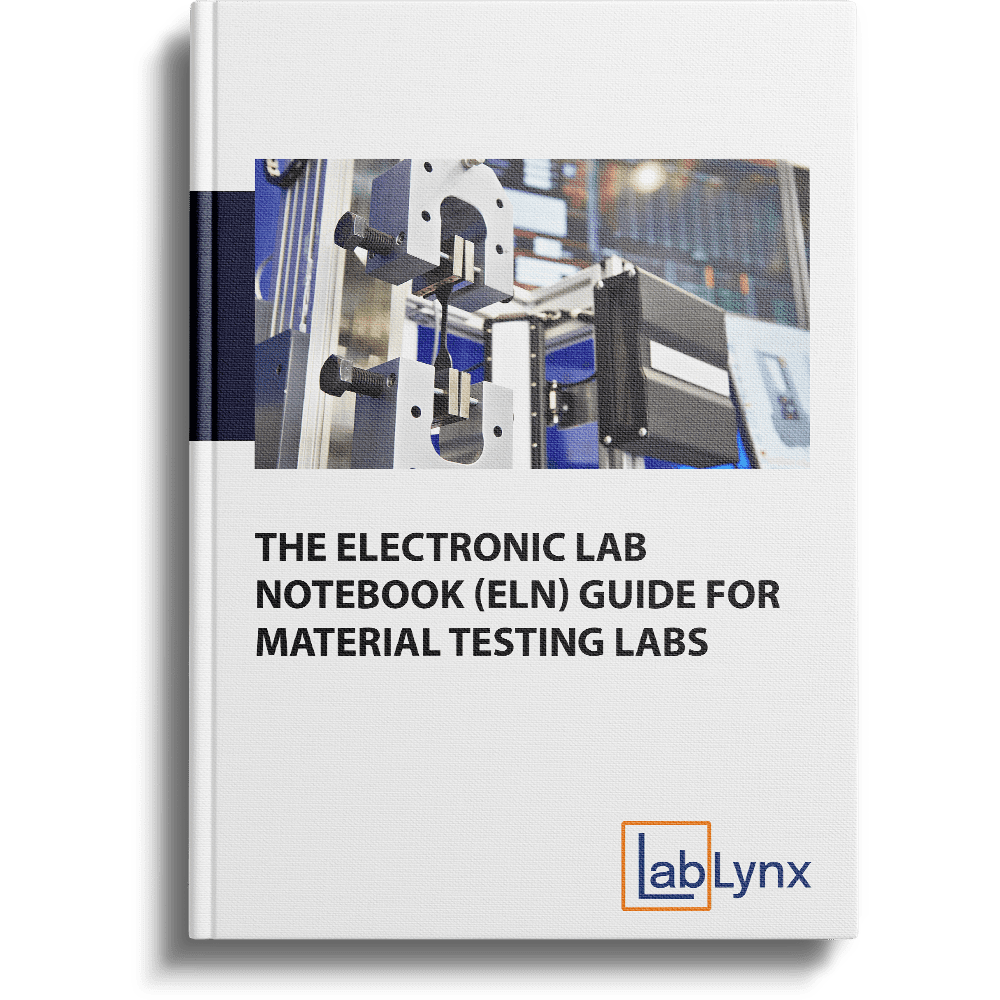
The Electronic Lab Notebook (ELN) Guide for Material Testing Labs
A free 15-page LabLynx guide to electronic lab notebooks for material testing labs, from templates for ASTM and ISO test methods to accreditation audits and a phased rollout.
Get your free copy
- 15 pages
- Instant download
"*" indicates required fields
We also email you the link.
For a material testing lab, an electronic lab notebook (ELN) is the digital record of every test: a template for each method, required fields for sample IDs, equipment settings and tolerances, attached stress-strain curves and images, and a time-stamped history of every edit and approval. This LabLynx guide shows how ELNs standardize testing, support accreditation and roll out in phases.
What you will learn
- Templates built on your test methods. From ASTM standards and ISO protocols to tensile, compression and accelerated aging tests.
- Records that hold up for years. Version history, audit trails and attached curves, micrographs and calibration records, ready for re-certification or a client's question.
- What accreditation audits look for. Version control, audit trails, electronic signatures and documentation locking, for ISO/IEC 17025 labs and A2LA audits.
- A rollout that starts with one test method. Map your data flow, define must-haves, pilot on one method, material or client project, then measure.
What is inside the guide
From paper notebooks and fragmented records to a seven-step rollout: here is what the guide covers.
The role of ELNs in material testing labs today
Clients, regulators and R&D teams rely on a material testing lab's data, yet many labs still keep it on paper or in fragmented systems that make results hard to compare and repeat. See how ELNs standardize protocols across shifts, speed up data entry without losing accuracy, keep records traceable for years and open results to QA and clients.
Go deeper: LIMS vs ELN
Test templates, user roles and audit trails
No two test methods are alike, from ASTM standards and ISO protocols to in-house procedures, so templates guide each technician through the fields a tensile, compression or accelerated aging test needs. Role-based permissions protect QA sign-offs and client reports, and version control keeps a documentation trail for ISO or A2LA accreditation audits.
Images, instrument data, search and sharing
Material testing is visual and instrument-driven, so stress-strain curves, micrographs, thermal profiles and images of fractured surfaces belong in the same record as the numbers. Searchable archives find any past test by client, material type, test standard such as ASTM D638 or ISO 527, sample ID, batch, equipment or operator. Shared folders, comment threads, notifications and electronic sign-offs keep R&D, production, QA and clients on the latest verified results.
Go deeper: What a signed record should hold
Real-world challenges solved by ELNs
The guide works through common problems in material testing labs: documentation that varies between technicians and shifts, records lost or damaged on paper and local drives, results emailed to departments and clients, and no clear record of who entered, edited or approved a result. For each, it shows how an ELN helps and what changes in practice.
Go deeper: Traceability mistakes in lab quality investigations
Meeting compliance and accreditation requirements
Material testing labs often work under ISO/IEC 17025, ASTM methods and client-specific protocols, and paper makes it hard to prove adherence to SOPs, show calibration records or answer an auditor's questions. Built-in version control, access restrictions, electronic signatures and documentation locking give the lab audit-ready records and smoother accreditation audits.
Go deeper: ISO 17025 compliance
Preparing your lab for ELN implementation
A framework in seven steps, starting with how test data flows from testing to reporting to archiving, what your ELN must include, and buy-in from technicians, QA staff and clients. Then pilot on a single test method, material type or client project, keep training simple, measure against clear goals and name a system owner to keep templates current.
Go deeper: Migrating from paper lab notebooks to an ELN
Key takeaways
- Small differences in documentation change results. When technicians on different shifts record the same test even slightly differently, it affects how results are interpreted, reproduced or validated; the guide's answer is a structured template for each type of test.
- Material testing data is more than numbers. Stress-strain curves, micrographs, thermal profiles and images of fractured surfaces belong in the same record as the measurements.
- Records have to last for years, sometimes decades. Labs keep them for liability, re-certification and client access, and paper degrades while spreadsheets and folders often lack version control.
- Every edit needs a name and a time. Time-stamped entries tied to user accounts create a full chain of custody for every test and a documentation trail for ISO or A2LA accreditation audits.
- Start with one test method. Pilot on a single test method, material type or client project, then measure against goals such as shorter reporting time or no more handwritten logs.
Preparing your lab for an ELN, in seven steps
Assess your current workflow. Map how test data flows from testing to reporting to archiving, and find where results are handwritten and transcribed later or emailed between teams.
Define your ELN requirements. They range from batch traceability and standardized test templates to instrument data uploads and user-specific permissions; under ISO standards or client-specific SOPs, compliance-ready documentation and audit trails are non-negotiable.
Get buy-in from your team and clients. Involve technicians, QA staff and supervisors early, and show clients how ELN reports improve turnaround time and documentation quality.
Start with a pilot project. Choose one test method, material type or client project, and test your templates in a real setting before a wider rollout.
Create a simple training plan. Use screen recordings, short walk-throughs or small group demos, and name an internal ELN champion to support users.
Establish goals and measure progress. Set specific goals, such as less reporting time, better audit readiness or no more handwritten logs, then track progress and collect feedback.
Build for long-term sustainability. Assign a system owner to manage user access and update templates, and review the ELN as new test types and technicians arrive.
This page is the summary. The full guide has the detail, all 15 pages of it.
PDF · 15 pages · 15-minute read. Free.
Who it is for
Material testing lab managers
who run the same tests across shifts and departments and need every technician to document them the same way.
QA and accreditation leads
who review and approve results and need version control and audit trails that stand up to ISO or A2LA accreditation audits.
Test engineers and technicians
who record tensile, fatigue, corrosion and thermal tests and want faster data entry, curves and images in the record, and past results they can find.
Written for Material testing labs serving construction, aerospace, automotive and manufacturing, from tensile and fatigue testing to environmental exposure and failure analysis.
Which ELN features does the guide single out for material testing labs?
What does the guide say an ELN should do for ISO/IEC 17025 and other accreditation audits?
How does the guide say an ELN keeps test documentation consistent across shifts?
How long does the guide say test records must be kept, and how does an ELN help?
How does the guide suggest sharing results with QA, engineers and clients?
Where does the guide recommend a material testing lab start its ELN rollout?
More free guides
 Free guideThe Electronic Lab Notebook (ELN) Guide for Commercial Testing LabsRunning a commercial or contract testing lab? This free guide shows how an electronic lab notebook helps a lab meet client deadlines across many kinds of testing, keep records that follow ALCOA and stand up to client and ISO/IEC 17025 audits, and deliver clear, consistent reports to clients.Get this free guide
 Free guideLIMS Selection Guide for ISO/IEC 17025 LaboratoriesChoosing a system for a testing or calibration lab? This free guide sets out what ISO/IEC 17025 asks of your records and results, how to weigh vendors against those requirements, and a step-by-step path from shortlist to purchase, so your lab can choose with confidence and stay ready for its next assessment.Get this free guide
 Free guideThe Electronic Lab Notebook (ELN) Guide for Manufacturing Research LabsRunning research for a manufacturer? This free guide shows how an electronic lab notebook keeps formulation and process records repeatable, carries results from R&D to QA, engineering and production, supports GMP, ISO 9001 and ASTM documentation, and prepares a lab for the move from paper.Get this free guide
Free guide
The Electronic Lab Notebook (ELN) Guide for Material Testing Labs
PDF · 15 pages · 15-minute read
- Templates built on your test methods
- Records that hold up for years
- What accreditation audits look for