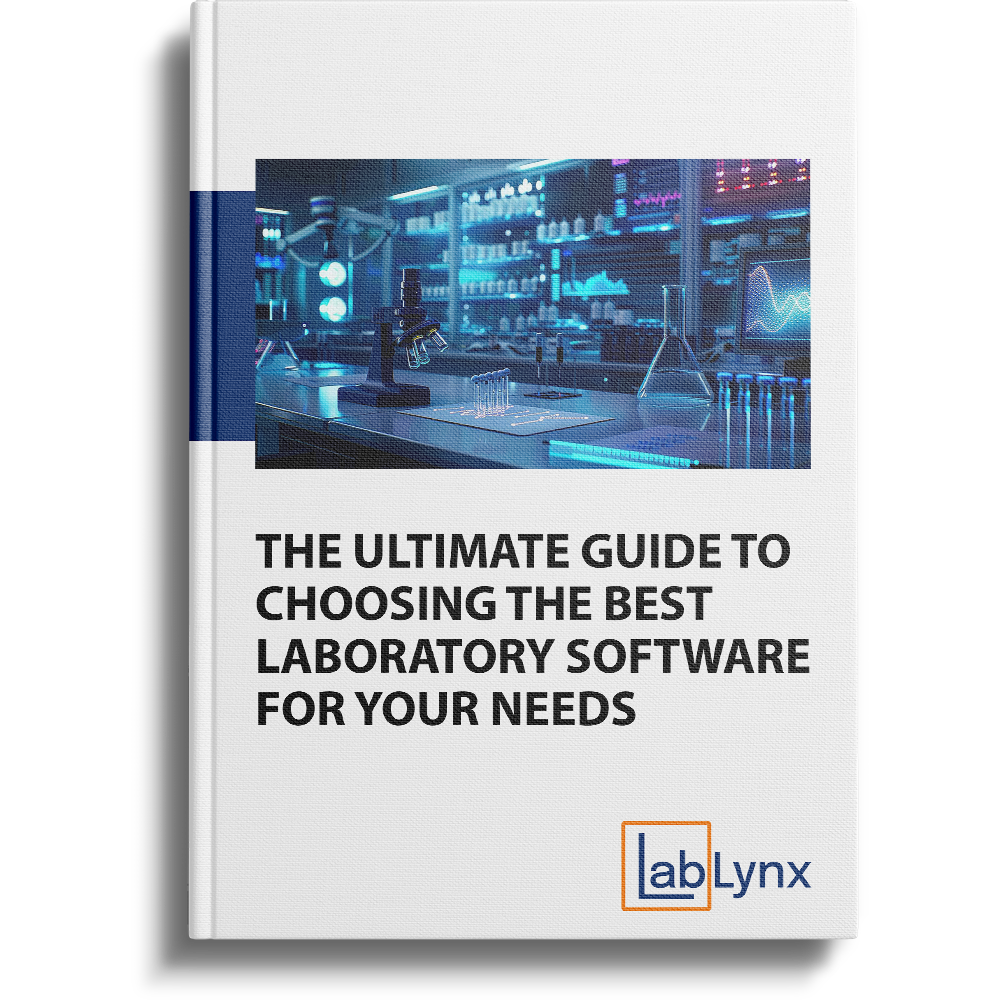
Free guidePDF · 19 pages · 15-minute read
The Ultimate Guide to Choosing the Best Laboratory Software for Your Needs
A free 19-page LabLynx guide to choosing laboratory informatics for your lab, from sample management, lab notebooks and automation to implementation and future-proofing.
Get your free copy
- 19 pages
- Instant download
"*" indicates required fields
We also email you the link.
Laboratory software is what a lab uses to manage data, streamline workflows and stay compliant. The main kinds are a LIMS for samples, workflows and reporting, an electronic lab notebook (ELN) for documenting and sharing experiments, and lab automation for repetitive, high-volume tasks. This LabLynx guide explains what each does, which labs each suits and how to choose.
What you will learn
- What each kind of laboratory software does. A LIMS for samples, workflows and compliance, an ELN for experiments, and lab automation for repetitive tasks.
- Which labs each one suits. From clinical, environmental and food testing labs to research, academic and biotech teams.
- How to match the choice to your lab. Five signs that point to a LIMS, five that point to an ELN and five that point to lab automation.
- What to expect after you choose. A needs assessment, a tailored rollout plan, training and support, and a design that grows with your lab.
What is inside the guide
From what each kind of laboratory software does to keeping your choice current: here is what the guide covers.
What a LIMS does: streamlining laboratory operations
A LIMS is a central system that connects people, instruments, workflows and data. It follows every sample from collection to disposal, automates workflows, produces reports and dashboards, supports standards such as ISO 17025, CLIA and HIPAA, and captures results from instruments. The guide names the labs it suits best: clinical and diagnostic, analytical and environmental, pharmaceutical and biotech, manufacturing quality control, and food and beverage testing.
Go deeper: Types of LIMS
What an ELN does: data capture and collaboration
An electronic lab notebook replaces paper notebooks with one secure, searchable record of experiments, protocols and results. It adds version control, shared templates, real-time sharing and comments, and audit trails and electronic signatures for 21 CFR Part 11 and ISO 17025. The guide sees it fitting research and development, academic, biotech and pharmaceutical labs, and specialty work such as genomics and proteomics.
Go deeper: LIMS vs ELN
What lab automation does: taking on repetitive work
Lab automation takes over repetitive tasks such as pipetting, plate preparation and liquid handling, and connects instruments so data flows without manual entry. It runs workflows from sample receipt to final report, raises alerts for delays, equipment faults and out-of-spec results, and uses AI to spot trends and anomalies. The guide points it at high-throughput testing, pharmaceutical and biotech, environmental, food and beverage, and research labs.
Go deeper: Which lab processes are worth automating
How to choose the right type for your lab
Each type is tailored to a different part of lab operations, so the guide gives five signs for each. High sample volumes, compliance, workflow automation, reporting and instrument integration point to a LIMS; documentation, collaboration, reproducibility, templates and 21 CFR Part 11 point to an ELN. Repetitive manual tasks, high throughput, instrument integration, AI analytics and a need to start small point to lab automation.
Go deeper: Laboratory informatics
Implementation and support
Adopting new laboratory software can feel like a significant undertaking. The guide describes what a smooth rollout involves: a needs assessment of your requirements, workflows and goals, a tailored plan that keeps disruption low, hands-on training and user guides, then ongoing support and regular updates. It applies whether you are moving off a legacy system or starting fresh.
Go deeper: What makes a LIMS implementation fail
Future-proofing your lab
Lab demands keep shifting with new technology, new regulations and growing complexity, so the guide treats the choice as a strategic one. It looks for a modular, scalable design that can absorb more samples, new instruments and changing standards, and for regular updates that keep pace with regulations and with trends such as AI, the Internet of Things and advanced analytics, without costly overhauls.
Go deeper: Why LIMS scalability matters
Key takeaways
- Start from your lab, not the software. Each kind is built for a different part of lab operations, so match the choice to your lab's specific needs and goals.
- A LIMS runs operations. It connects people, instruments, workflows and data, and follows every sample from collection to disposal.
- An ELN documents the science. It replaces paper notebooks with one searchable, version-controlled record that teams can share and reproduce.
- Lab automation takes on the repetitive work. Robotics, connected instruments and AI-driven analytics cut manual steps and turnaround times.
- Choose for the lab you are becoming. A scalable, customizable choice lets a lab adapt to changing demands and new technologies instead of starting over.
Which one fits your lab
Choose a LIMS if
Your lab handles high sample volumes, compliance is a priority, and you need workflow automation, detailed reporting and instrument integration.
Choose an ELN if
Documentation, collaboration and reproducibility are core to your work, and you need shared templates and records that meet 21 CFR Part 11.
Choose lab automation if
You are ready to automate manual tasks, need high throughput without losing accuracy, and want AI-driven insights with room to start small and scale.
This page is the summary. The full guide has the detail, all 19 pages of it.
PDF · 19 pages · 15-minute read. Free.
Who it is for
Lab managers and directors
who are choosing laboratory software for the first time, or upgrading, and need to know which kind fits their lab.
Quality and compliance leads
who need audit trails, electronic signatures and reporting that meet ISO 17025, CLIA, HIPAA or 21 CFR Part 11.
Research scientists and R&D teams
who document experiments, share results across teams and need work that others can reproduce and verify.
Written for Clinical and diagnostic, analytical and environmental, pharmaceutical and biotech, manufacturing quality control, food and beverage testing, research and development, and academic labs.
How does the guide suggest matching laboratory software to a lab's needs?
What does the guide say a LIMS does for a lab?
What does the guide say an ELN adds over a paper notebook?
Which lab tasks does the guide say automation can take on?
What should a lab expect when it implements new laboratory software?
How does the guide suggest future-proofing a software choice?
More free guides
 Free guideThe Electronic Lab Notebook (ELN) Buyer’s GuideChoosing an electronic lab notebook? This free guide sets out the seven features that matter most, the benefits to expect, the adoption challenges to plan for and a five-step way to evaluate your own lab's needs, so you can compare options with confidence and bring your team along.Get this free guide
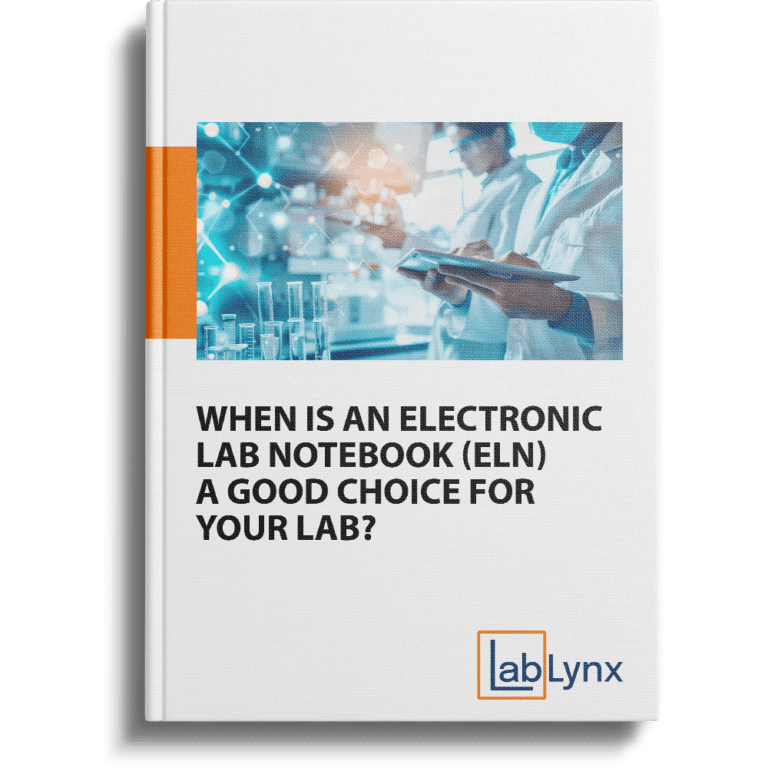 Free guideWhen is an Electronic Lab Notebook (ELN) a Good Choice for Your Lab?Discover how an Electronic Lab Notebook (ELN) can streamline lab operations, improve data integrity, and enhance collaboration. ELNs are ideal for managing complex workflows, ensuring compliance, and increasing efficiency. This guide explores how adopting an ELN can future-proof your lab, boost productivity, and drive innovation.Get this free guide
 Free guideJustifying LIMS Acquisition and Deployment within Your OrganizationNeed approval for a new laboratory information management system? This free guide shows how to tie the project to your organization's goals, weigh on-premises and cloud costs, show tangible and intangible benefits beyond ROI, and win management buy-in, with a workbook for building your pitch.Get this free guide
Free guide
The Ultimate Guide to Choosing the Best Laboratory Software for Your Needs
PDF · 19 pages · 15-minute read
- What each kind of laboratory software does
- Which labs each one suits
- How to match the choice to your lab